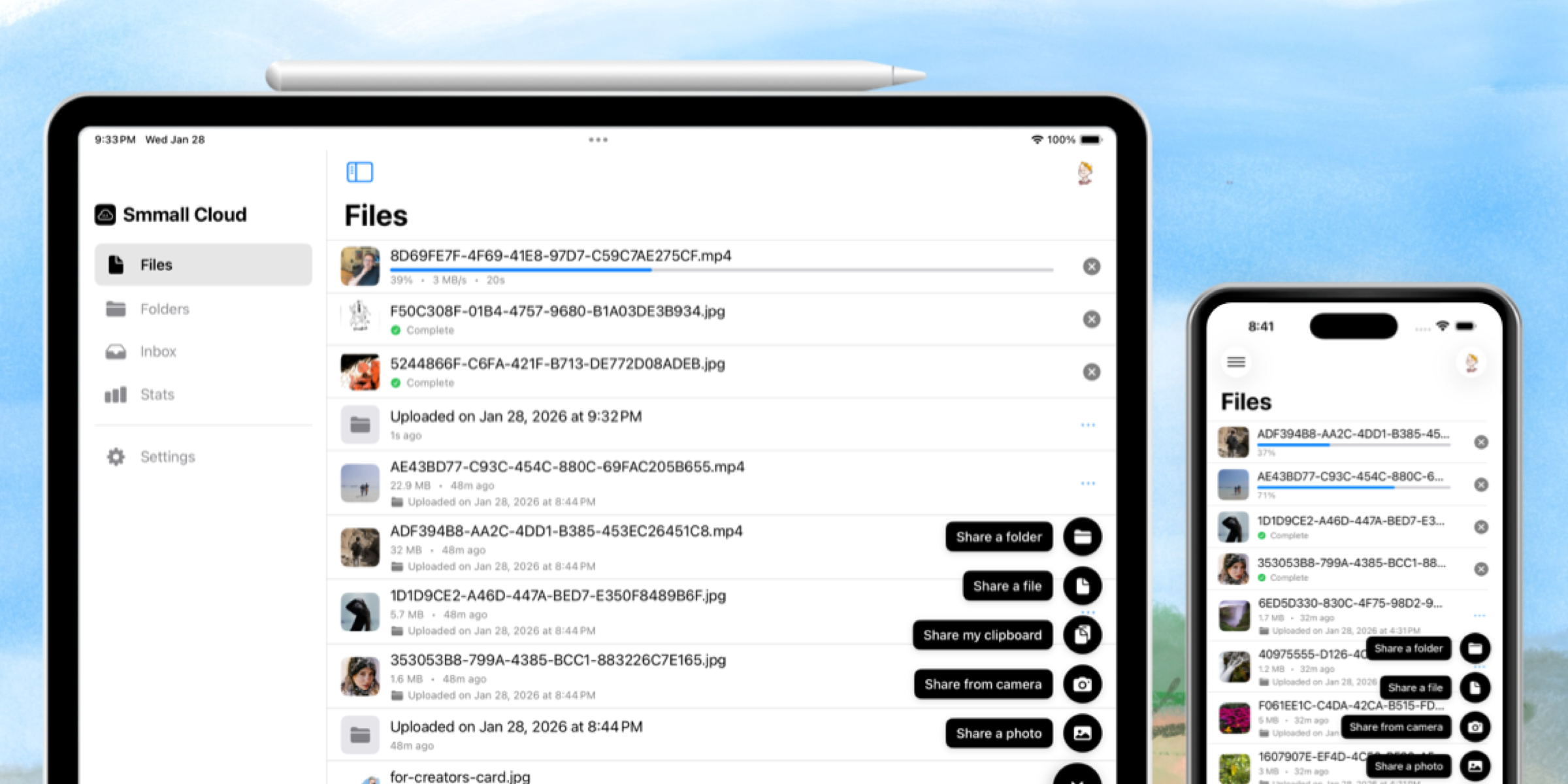
Every time you share a file, you get a link. But, let's be honest, random strings of characters aren't exactly memorable or professional. That's why we built Short Links.

What Are Short Links?
Short Links let you create clean, human-readable URLs for anything in your Smmall Cloud. Instead of sharing smmall.cloud/f/x7k2m9p, you can share smmall.cloud/portfolio or yourname.com/demo-video.
Custom Previews
When you paste a link into Slack, Twitter, or iMessage, it shows a preview. With Short Links, you control exactly what that preview looks like. Set a custom title, description, and image so your link looks polished wherever it lands.
No more auto-generated previews that don't make sense. Your links, your brand.
QR Codes Built In
Every Short Link automatically gets its own QR code. Download it, print it, stick it on anything. Perfect for:
- Business cards
- Product packaging
- Conference presentations
- Physical signage
Bridge the gap between the physical and digital world.
Security When You Need It
Not every link should be public. Short Links support:
- Password protection — Require a password to access the content
- Email gates — Collect email addresses before granting access
- Expiration dates — Links that automatically stop working after a set time
Perfect for client work, time-sensitive materials, or anything you want to control access to.
Stats That Matter
Every Short Link tracks clicks and referrers. See what's getting traction and where your traffic is coming from. It's lightweight analytics without the complexity—just the numbers you actually care about.
How to Create One
- Go to your Links dashboard
- Click "New Link"
- Choose what to link to (a file, folder, or external URL)
- Customize the slug, preview, and security settings
- Share it
That's it. You're in control.
Short Links are available now for all Smmall Cloud users. Try it out and make every link you share look intentional.