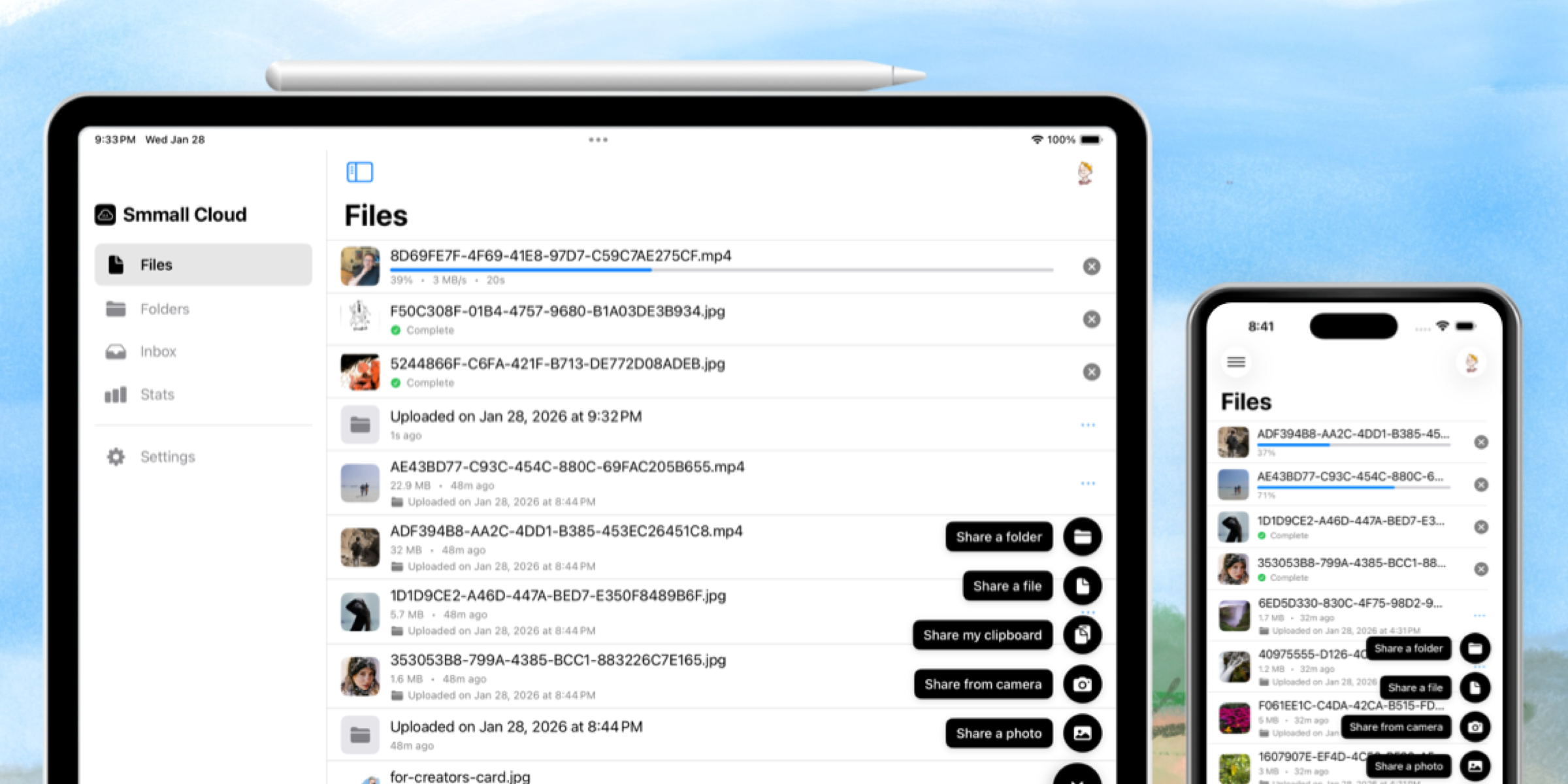
We just shipped version 1.5 of Smmall Cloud for Mac, and it's packed with features that make sharing faster, more flexible, and more fun.
Faster Uploads
We completely rewrote our upload system from the ground up. The result? Dramatically improved performance, especially for large files. What used to take minutes now takes seconds.
Record Screen & Webcam

This is a big one. You can now record your screen directly from the menu bar with a Loom-style interface. Choose from helpful presets for different recording styles—full screen, window, or a custom region. Want to add your webcam? Done. Need a GIF instead of a video? We've got you covered.
Larger Than 5GB File Uploads
We've removed the 5GB file size limit. Upload massive video projects, design archives, or whatever giant files you need to share. No more splitting things up or compressing to fit under the limit.
Upload Multiple Files as a Folder
When you share multiple files at once, you can now choose to upload them as a folder instead of a zip file. Your recipients see the files organized just like you intended, and they can download individual files or the whole folder.
Resumable Uploads
Connections dorp but with 1.5, if your upload gets interrupted, you don't lose your progress. When your connection comes back, just resume where you left off. No more starting over from scratch.
Bendable Annotation Arrows

Our screenshot markup tools just got more expressive. You can now bend your arrows around shapes and objects, making your annotations clearer and more stylish. It's a small thing, but it makes a big difference when you're trying to point something out.
Improved Preferences
We redesigned the preferences window with a cleaner layout and more options. It's easier than ever to customize Smmall Cloud to work the way you want.
Plus the usual assortment of bug fixes and performance improvements.
Download the update and let us know what you think!