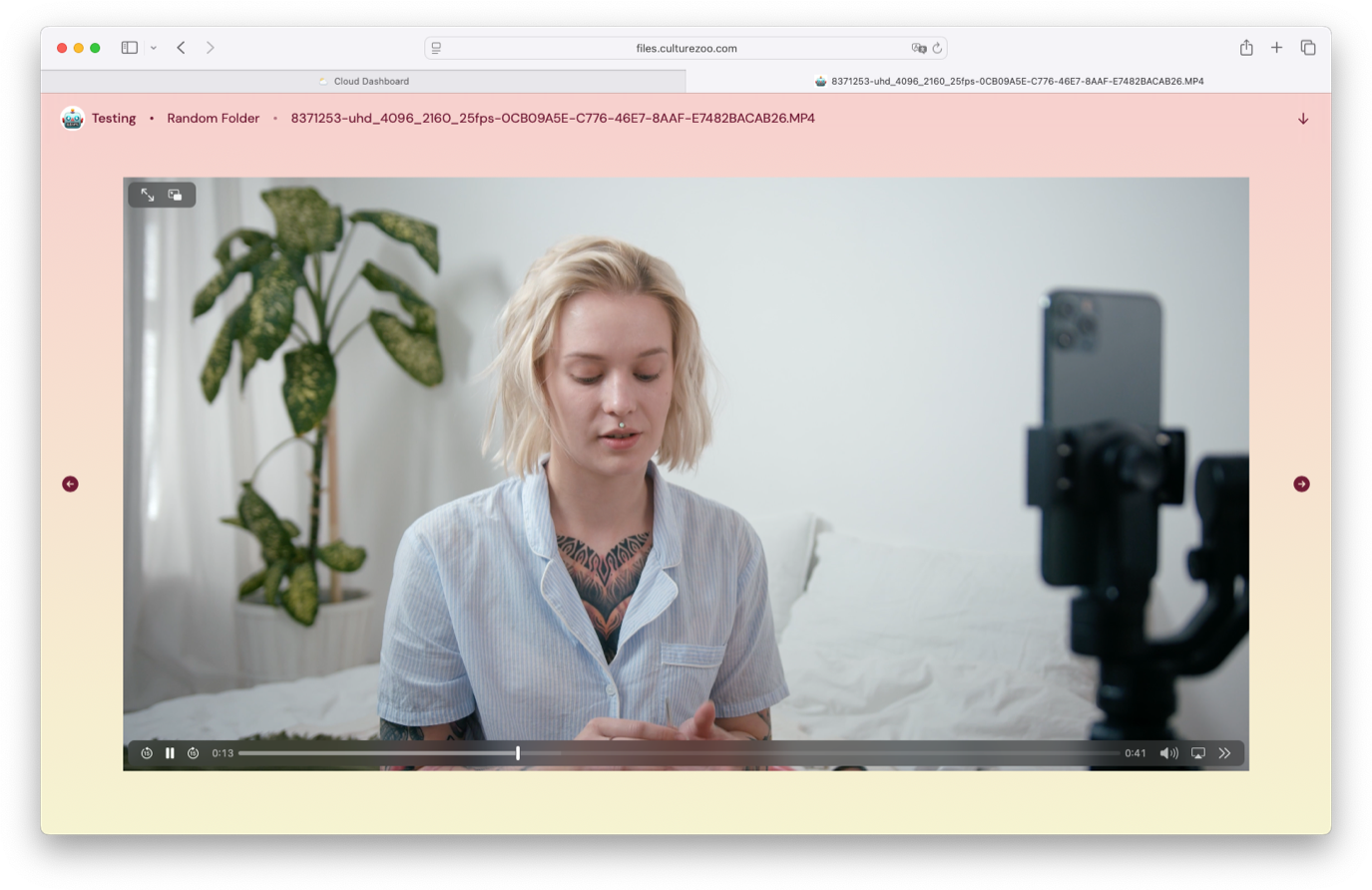
One of the things I’ve been wanting to do for a while is give more options to users to make their file pages their own. We allowed you to customize the background of a file page but what if you wanted to customize everything? Well today you can with custom themes!
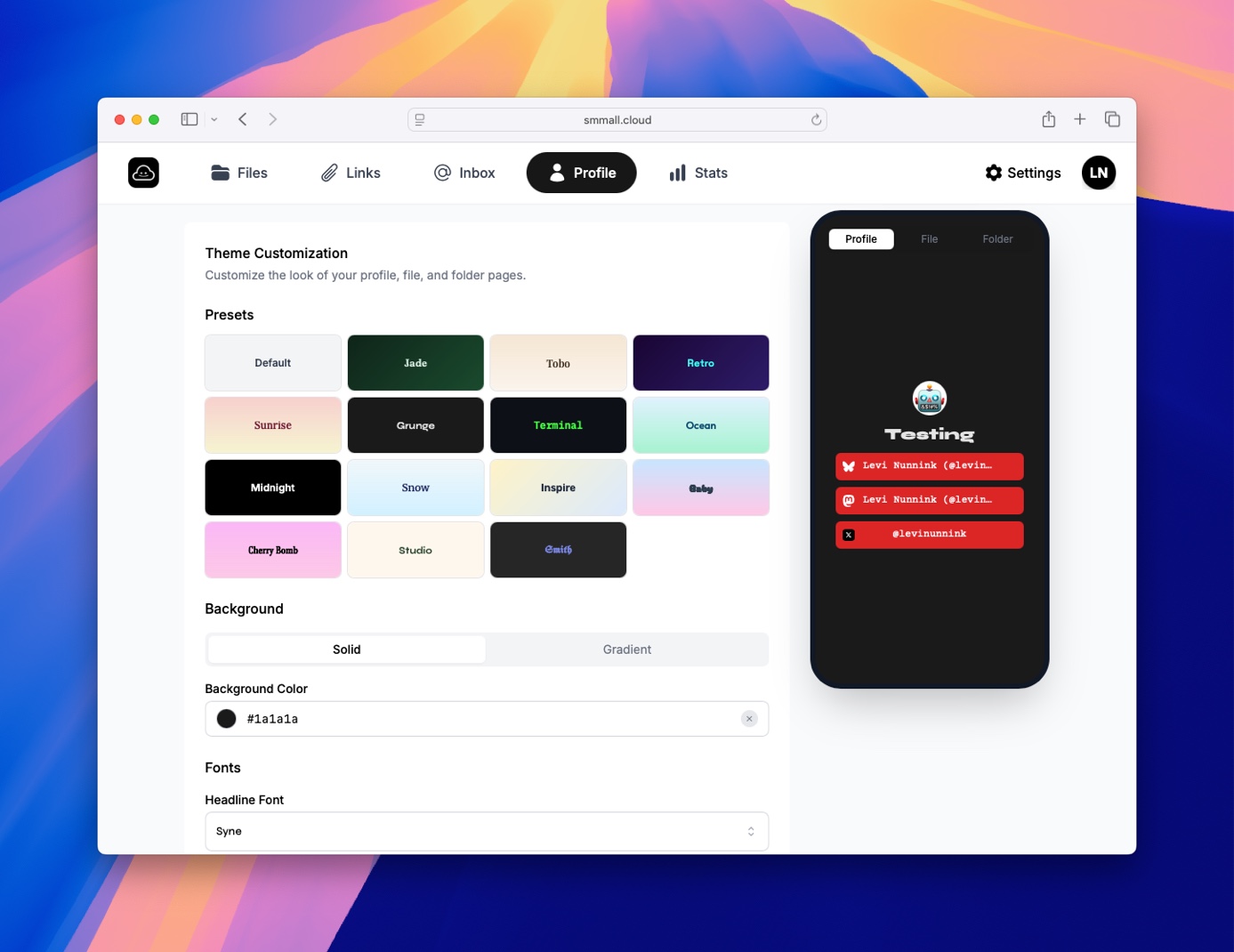
Just head over to your profile page on Smmall Cloud and you can update the colors, gradients, fonts of your profile and all of your file pages. I’ve put together some theme presets but you can remix them as you like.
What You Can Customize
In addition to the customization that was already included in Smmall Cloud, now uou can customize your color palletes using gradients or solid values. You can pick your fonts from a large list of different options. Pick one of our pre-built themes and remix it however you'd like.
Smart Color Adaptation
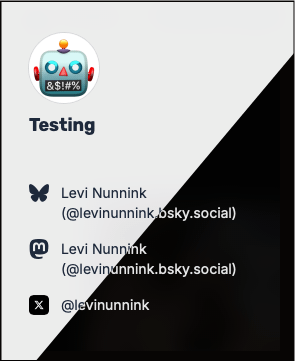
Here's where it gets smart: when you set a background color, Smmall Cloud automatically calculates the optimal text color. Light backgrounds get dark text. Dark backgrounds get light text. Your button colors work the same way—pick any button color and we'll automatically choose contrasting text.
This means you can experiment freely without worrying about readability. The theme system handles it for you.
Where Themes Apply
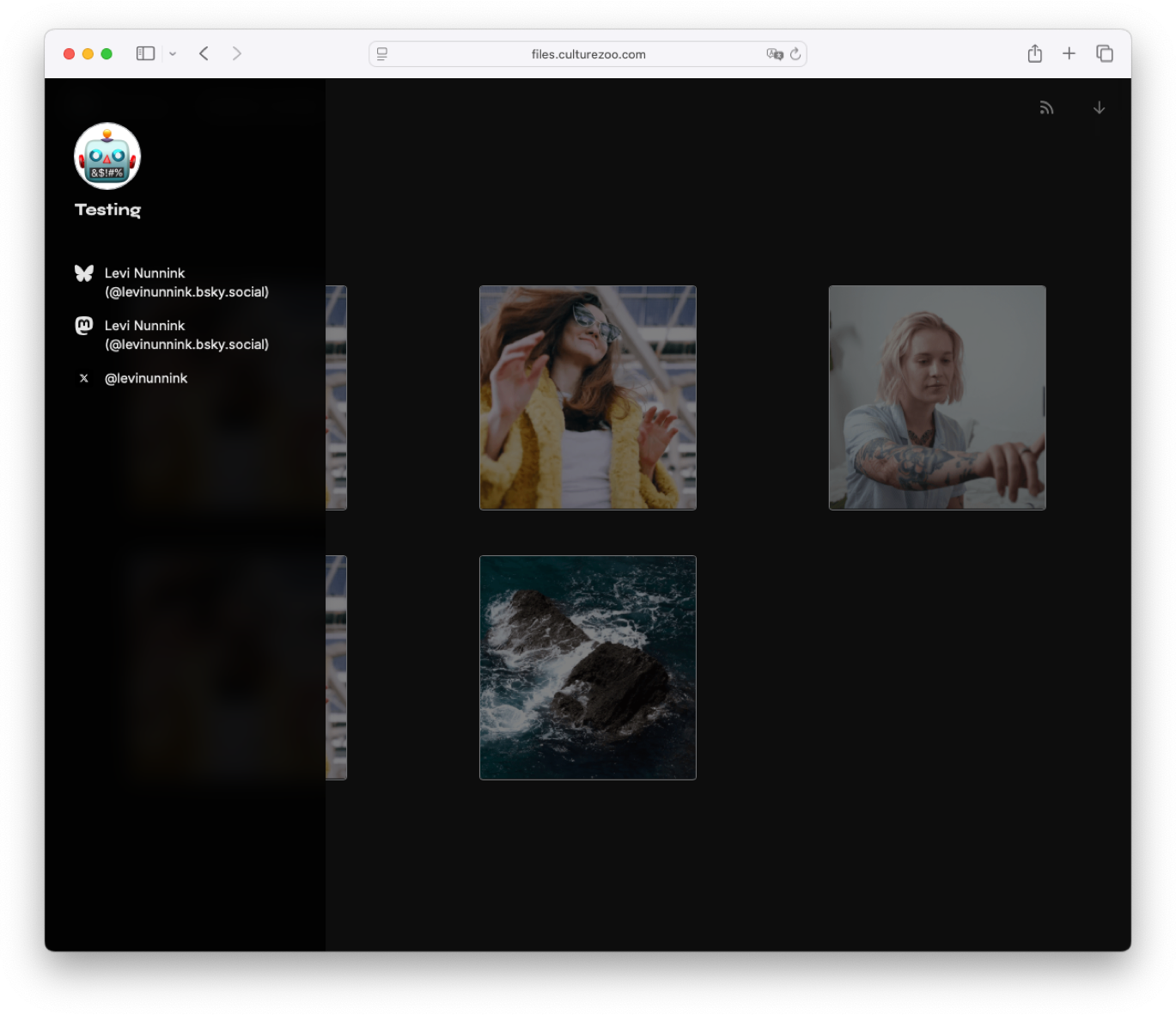
Your custom theme appears everywhere someone views your content:
- Your profile page
- Individual file pages
- Folder views
- File inbox pages
- Markdown documents
Every touchpoint reflects your style.
Getting Started
Setting up your theme takes just a few minutes:
- Visit your profile settings
- Navigate to the "Theme" section
- Choose your background type and colors
- Select your fonts
- Preview your changes in real-time
- Save when you're happy
Your theme applies instantly to your entire profile.
Technical Details
Themes use CSS custom properties for smooth transitions and consistent rendering. Fonts load efficiently from Google Fonts with automatic fallbacks. Color calculations use the YIQ formula for accurate contrast ratios, ensuring WCAG accessibility standards.
All theme settings are stored with your profile and apply server-side, so every visitor sees your custom theme instantly—no client-side rendering delays.
Try It Today
Custom themes are available now for all Smmall Cloud users. Visit your profile settings to start customizing.
Make your profile uniquely yours. Because when you share your work, you should control how it looks.