You just finished a design for a client. It looks great. You're proud of it.
You upload it to Google Drive, click "Share," and send the link.
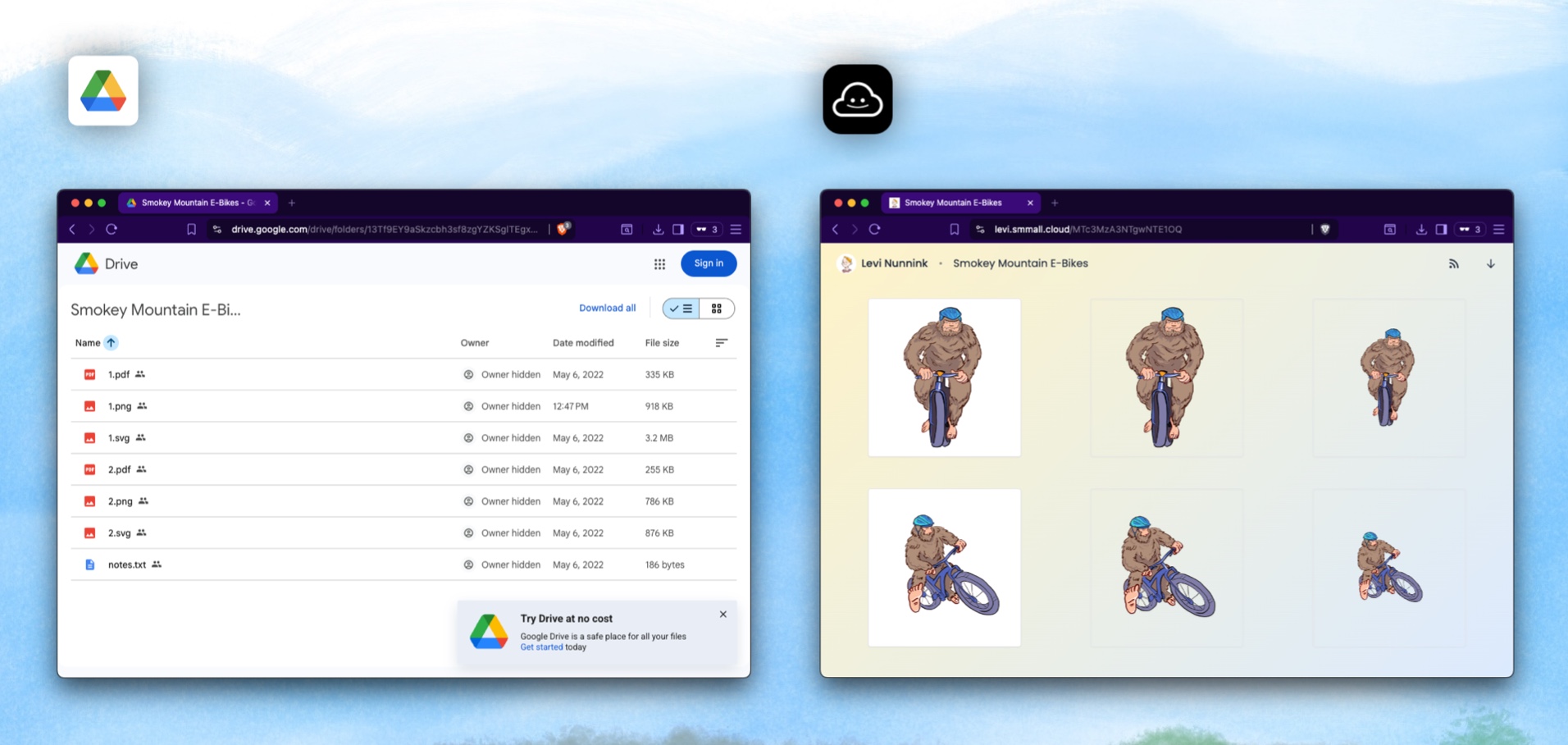
Your client opens the link and sees... Google's interface. Google's branding. A toolbar full of buttons they don't need. A file sitting in a generic grid next to Untitled document and Copy of Q3 Report FINAL v2.
That's not a client experience. That's a filing cabinet.
If you're a freelancer — a designer, photographer, developer, writer, consultant — the way you deliver files says as much about you as the work itself. And right now, most freelancers are using tools that were built for internal collaboration, not external presentation.
Let's fix that.
The Problem with Google Drive (and Dropbox)
Google Drive and Dropbox are collaboration tools. They're designed for teams working together on shared documents. They're excellent at that job.
But "collaboration" and "sharing with clients" are fundamentally different activities:
Collaboration is ongoing, internal, and messy. You want shared editing, comments, version history, and real-time cursors.
Client sharing is a one-way presentation. You want it to look clean, professional, and branded. The client should see your work, not your tool.
Here's what goes wrong when you use collaboration tools for client sharing:
- Your client sees Google's brand, not yours. Every link you send reinforces Google's identity instead of your own.
- The interface is distracting. Toolbars, sidebars, "request access" prompts. Your client doesn't need any of that.
- Permissions are confusing. "Anyone with the link can view" vs "Anyone in your organization" vs "Specific people" — it's a minefield that regularly breaks.
- No analytics. Did your client actually open the file? You'll never know.
- No way to receive files back. When your client needs to send you assets, they'll email you 47 attachments across 12 threads.
What Freelancers Actually Need
After talking to hundreds of freelancers, the wish list looks something like this:
- Upload a file, get a link. That's it. No permission models, no sharing dialogs, no "choose who can edit."
- My brand on the page. When a client opens my link, they should see my logo, my colors, my name — not a third-party service.
- A way to receive files from clients. Without "share your Google Drive with me" or digging through email.
- Folders that tell a story. When I share a set of deliverables, they should be ordered like a presentation, not dumped in an alphabetical list.
- Simple analytics. Has the client viewed the file? When? How many times?
- Password protection for sensitive work. NDAs exist for a reason.
- Affordable pricing. Not $20/user/month enterprise plans.
How Smmall Cloud Solves Each Problem
Smmall Cloud is a file sharing platform built for the sharing-first use case. Not collaboration, not internal storage — just making your shared files look great and work smoothly.
Here's how it maps to the freelancer wish list:
Your Brand, Not Ours
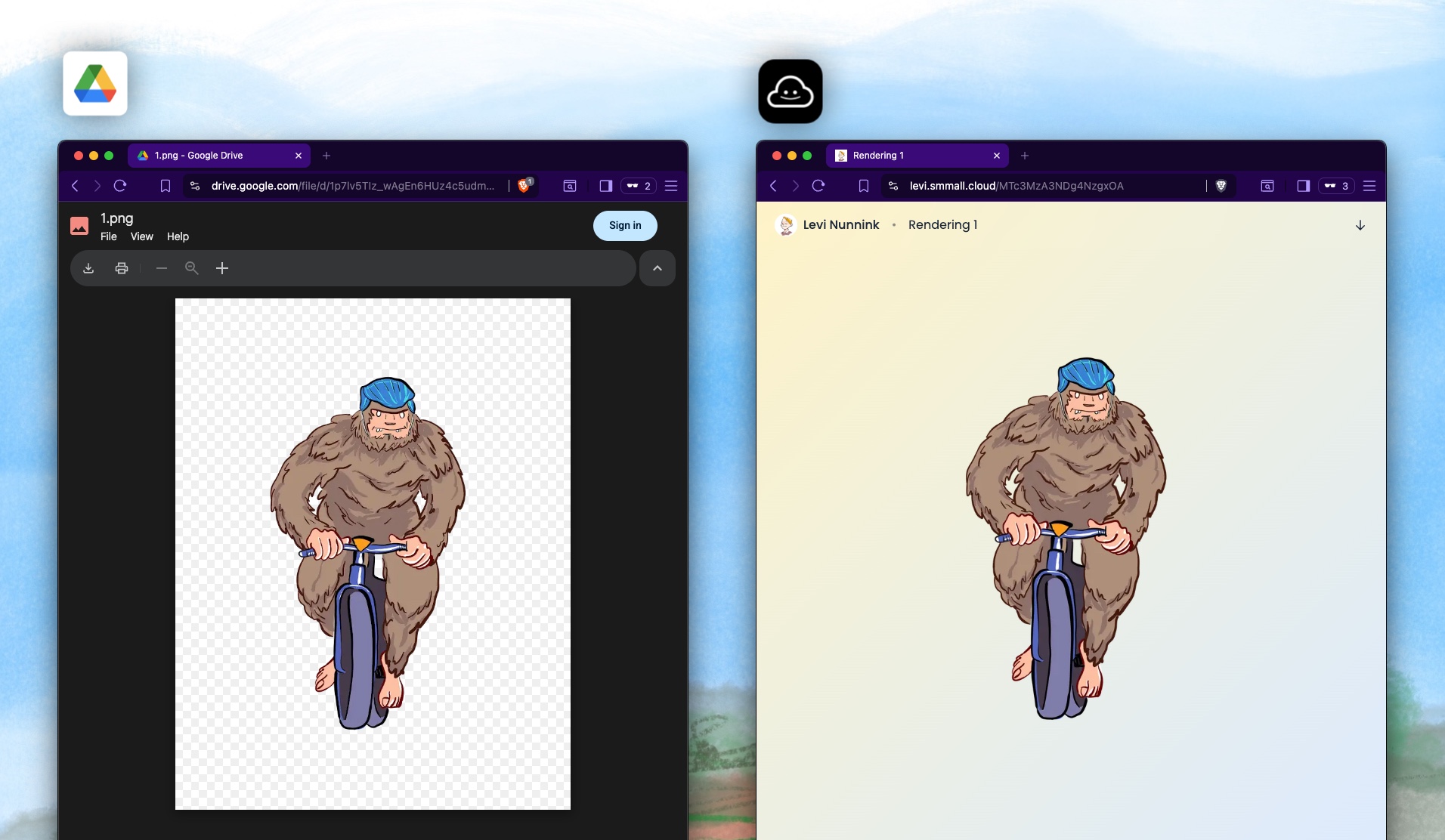
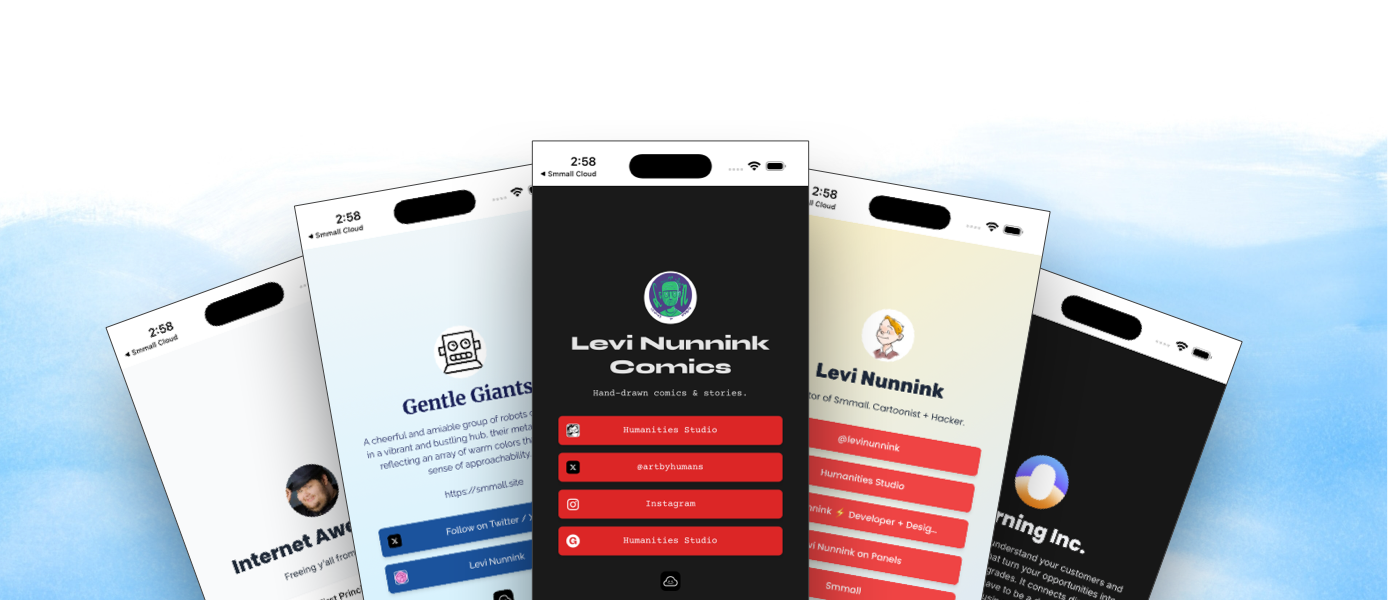
Every file you share through Smmall Cloud displays your brand. Your logo. Your name. Your custom domain if you set one up (like yourname.smmall.cloud or your own domain entirely).
When a client opens your link, the page looks like it's yours. Not Google's. Not Dropbox's. Not some random file transfer service's.
This sounds small, but it matters. Presentation is part of the deliverable. A beautifully branded file page says "this person is a professional" in a way that a Google Drive link never will.
File Inbox — Receive Files Without Hassle
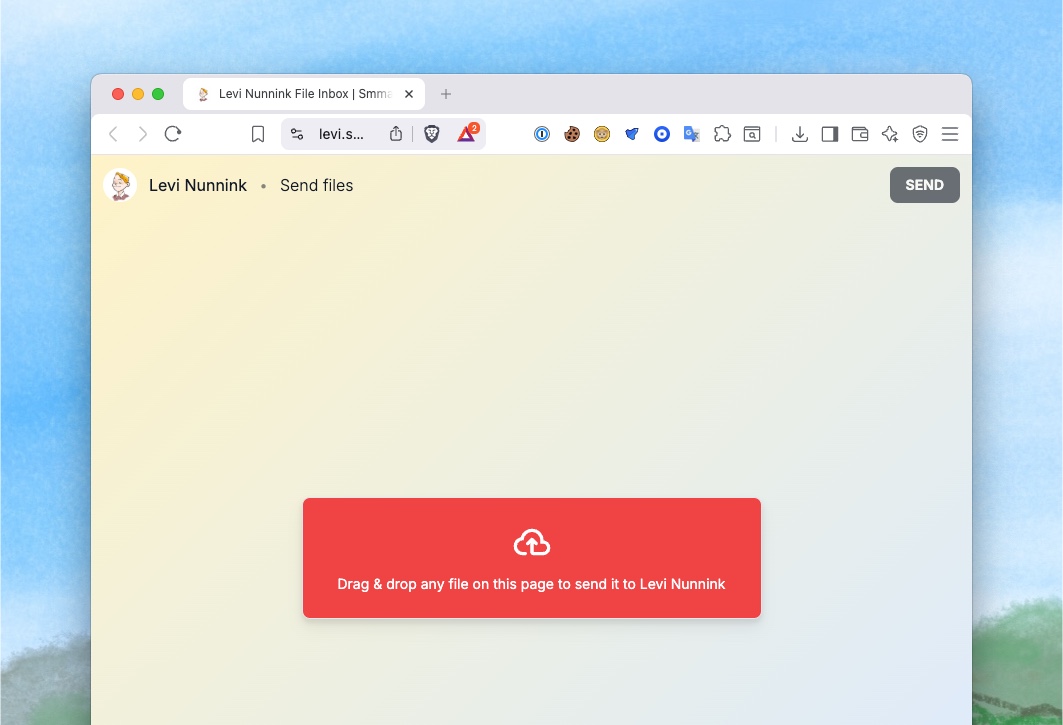
This is the feature freelancers love most once they discover it.
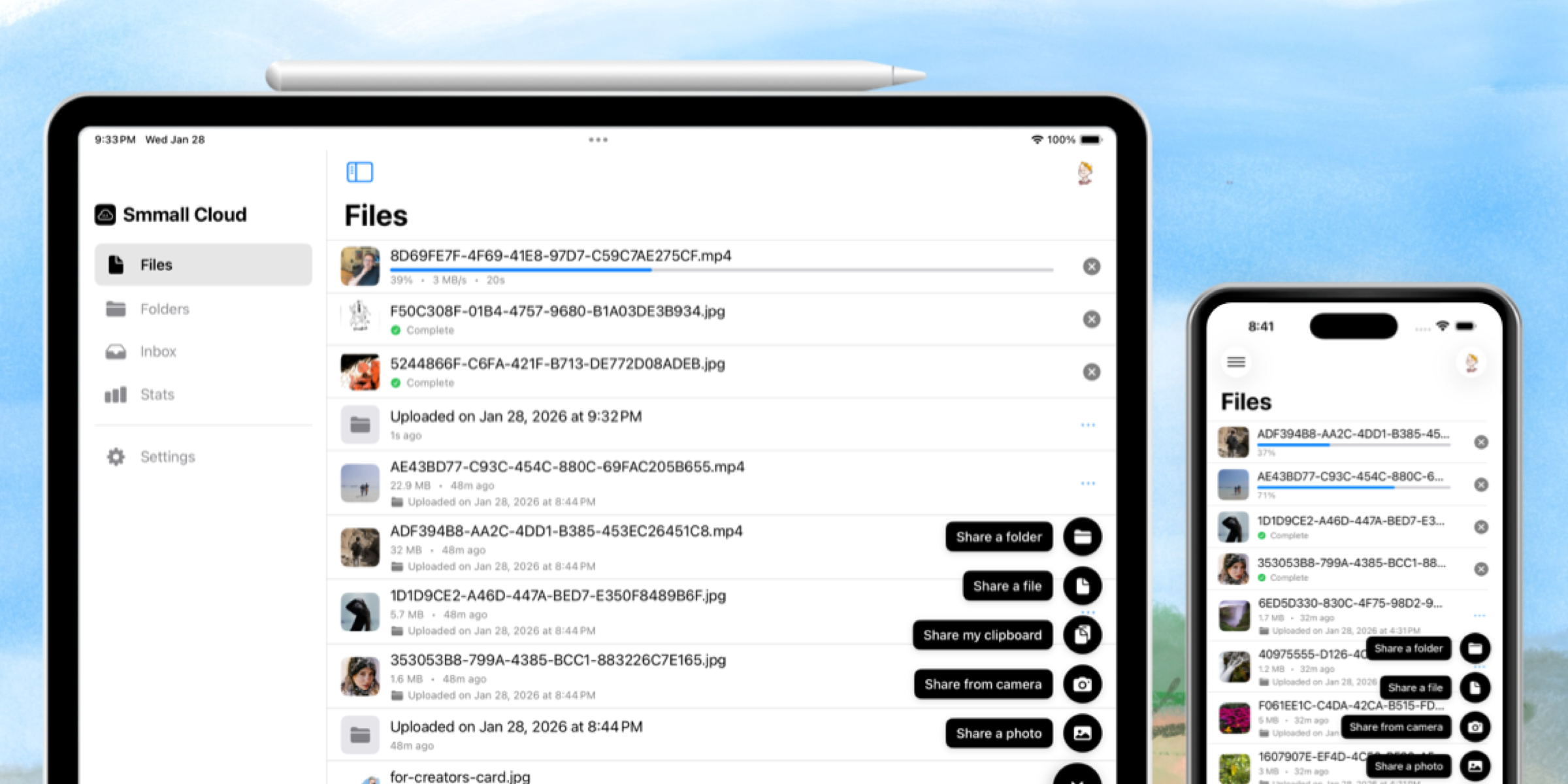
File Inbox gives you a private URL where anyone can upload files to you. No account needed. Your client just opens the link, drags their files in, and optionally adds notes and their contact info.
You get an email notification. The files show up in your inbox, organized by sender.
No more "can you email me the logos?" No more "I shared a Google Drive folder but you don't have access." No more digging through email for that one attachment from three weeks ago.
Sharing-First Folders — Present Your Work Like a Portfolio
Smmall Cloud folders aren't like Google Drive folders. They're ordered — you decide what goes first, second, third. Drag and drop to reorder.
This means a folder can be:
- A slideshow of design concepts, presented in the order you want the client to see them
- A portfolio of your best work, curated and sequenced
- A deliverable package with the final files on top and source files below
- A playlist if you're a musician or podcaster
Each folder gets its own shareable link, cover image, and custom metadata. It's file sharing that tells a story.
Custom Links with QR Codes
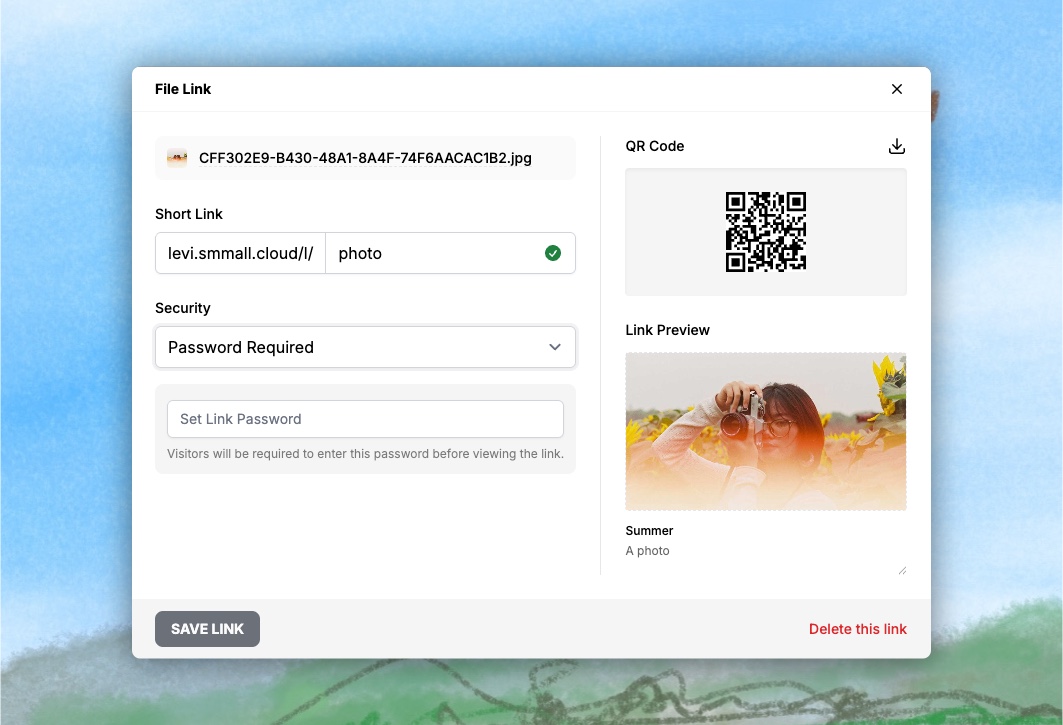
Every file and folder gets a permalink you can customize. Instead of drive.google.com/file/d/1BxiMVs0XTpmPFqBwz..., you get yourname.smmall.cloud/l/logo-final.
Every link also generates a QR code automatically. Print it on your business card. Put it in your email signature. Include it in a physical proposal.
Know When Clients View Your Files
Smmall Cloud shows you views over time, top referrers, and which links get the most visits. You'll know when your client opened the file — and if they shared it with anyone else.
Pricing That Makes Sense
$8/mo for individuals. $16/mo for teams. All features included in all plans. No "upgrade to Pro for custom branding" upsells.
For reference, that's less than a single Dropbox Business user ($15/mo), and you get features Dropbox doesn't offer at any price.
Making the Switch
You don't have to move everything. Keep Google Drive for internal work if you want — it's great for that.
But for anything a client sees — deliverables, proposals, portfolios, invoices, contracts — try sharing through Smmall Cloud instead. The first time a client opens your file on a clean, branded page with your logo at the top, you'll feel the difference.
Try Smmall Cloud free for 2 weeks. $8/mo after that. No hidden charges, no enterprise tier, no sales team. Just file sharing that makes you look professional.